
Home Guides MiniMax H3 Max 768p vs 480p
MiniMax H3 Max 768p vs 480p
MiniMax H3 Max 768p vs 480p
H3 Max Studio · last updated 3 September 2026
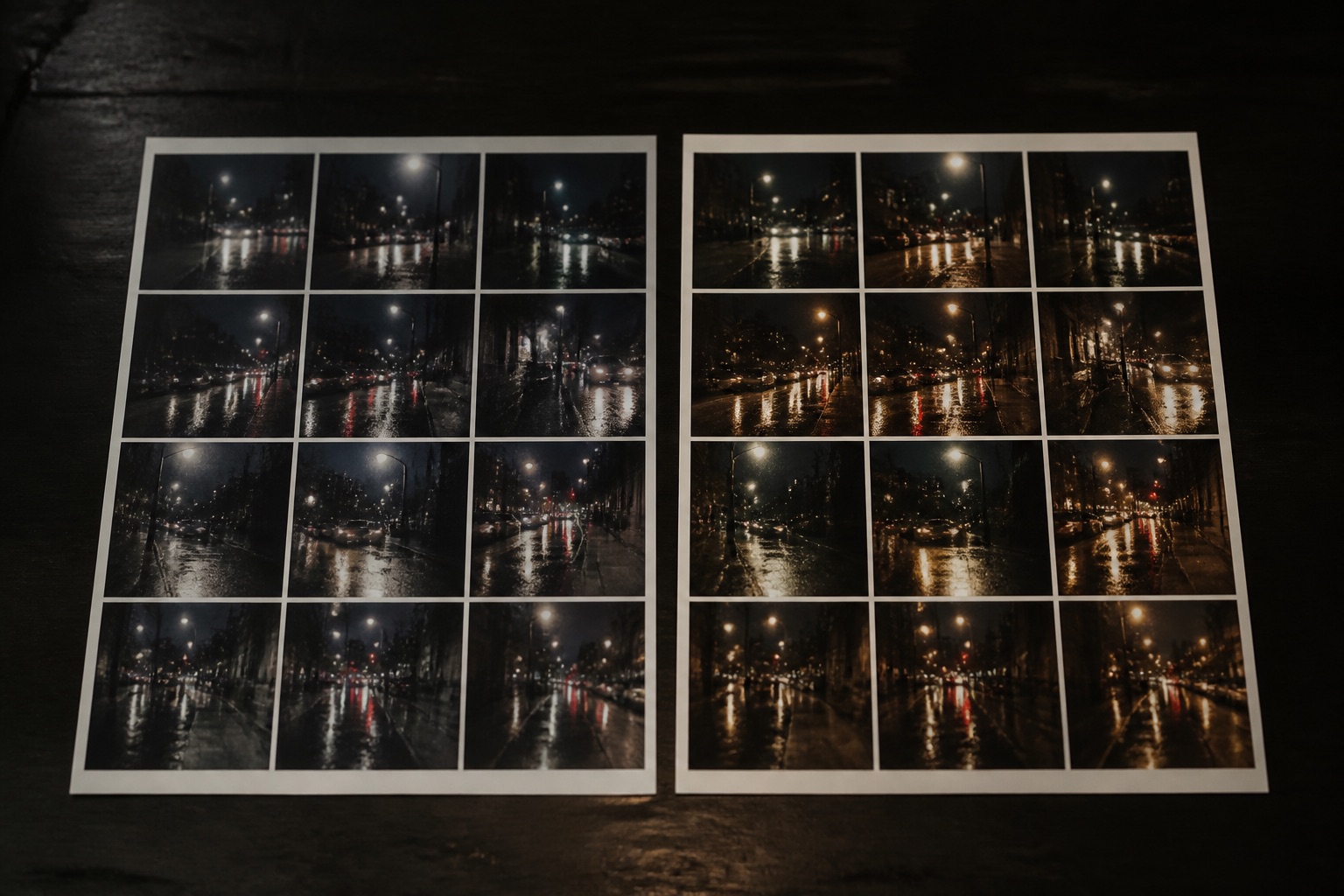
MiniMax H3 Max 768p vs 480p is a delivery choice, not a price choice on this studio. Both official resolutions cost 5 credits per second. Both run 24 frames per second. Use 480P to sketch a camera. Use 768P when the label, face, or type has to hold on a landing page.
Official resolutions only
MiniMax H3 Max, as we send it through fal, exposes 480P and 768P. There is no 4K toggle on this studio. There is no 1080p marketing switch. If a prompt says “8K,” the text is ignored as a resolution request. You still pick 480 or 768 in the form.
Both options are 24 fps. Duration is 5 to 15 seconds. Aspect ratios on text to video are the six official frames; image to video follows the still; reference to video can also use adaptive.
MiniMax H3 Max 768p vs 480p therefore answers one question: how sharp should this take be, given that the bill is the same.
Same credits, different pixels
H3 Max Studio bills 5 credits per second regardless of resolution. A 5-second 480P clip is 25 credits. A 5-second 768P clip is 25 credits. Add-ons (extra images, reference videos) do not care which resolution you picked.
That is the opposite of wrappers that surcharge 720 or 1080. Do not import their habit of “draft cheap, finish expensive” as a credit tactic here. Draft short. Finish long if you need the extra seconds. Pick 768P when the still deserves it.
When 480P is enough
- You are testing whether a camera sentence works.
- You are testing whether a quoted line fits five seconds.
- The output is a tiny inline loop on a page that will be re-encoded anyway.
- You are comparing two wordings with a fixed seed and you will throw both away.
480P is faster to glance at on a phone. It will not save you money on this meter. It can save you emotional attachment to a soft hero you then refuse to rerun.
When 768P is the default
- Product labels, type, or jewelry.
- Faces you will put above the fold.
- 21:9 or 16:9 site heroes.
- Anything you will grade or crop later. Soft 480P does not grade into sharp 768P. You rerun.
fal has published GPU times on the order of under 3 seconds of GPU for a 5-second 768P example. Wall-clock on a shared queue is longer. Resolution is not why a job sits in “running” for a minute; queue is. See the speed guide.
Aspect and resolution are separate
9:16 768P is still 768-class on the short side, not a 4K story. 21:9 480P is a wide soft frame. Crop the still (I2V) or pick the T2V ratio first, then pick 480 vs 768. Do not use resolution to “fix” a wrong shape.
A practical split
Keep the studio on 768P for almost everything once the prompt works. If you are burning a dozen 5-second wording tests in a row and you only care about the sound sentence, 480P is fine. Switch back before you download a keep.
Do not upscale a 480P MP4 in another app and call it H3 Max 768P. The model did not see that. The filename will lie to your editor.
Sharpness is the toggle. The meter is not.
What people mix up
“768P is Max, 480P is H3.” No. Both are H3 Max resolutions. Base MiniMax H3 is a different model we do not run.
“768P includes better audio.” No. Audio is prompted, not bought with pixels.
“15 seconds at 480P is cheaper than 5 seconds at 768P.” On this studio the first is 75 credits and the second is 25. Duration wins.
Cropping, platforms, and re-encode
A 768P 16:9 file is a short HD-class master for this model, not a YouTube 1080 upload spec. Social apps will crush it again. That is fine for a story or a site loop. It is not fine if you promised a client a 4K hero from this studio. We do not have that switch.
If you must fill a 1080 timeline, edit the 768P clip as a windowed shot or generate several 768P pieces and cut them. Do not run a consumer upscaler and label the result MiniMax H3 Max 1080p. The model never saw that resolution.
480P is easier to hide as a tiny loop. It looks thin on a 27-inch monitor. If the page hero is full-bleed, stay on 768P.
Lighting and text hold
768P will not rescue a still that is already soft, or a prompt that never named a light. It will show grain and label edges more honestly. If a SKU must stay readable, start with a sharp first frame (I2V) at 768P and a locked camera. If the type still crawls, the brief belongs in an editor, not in a longer Max take.
480P can be enough to learn that the spotlight swing is the right move. Once you know that, rerun 768P with the same seed if you want a closer comparison. The seed is not a character ID, but it helps you isolate resolution from wording.
A resolution checklist
- Pick the shape (still crop or T2V ratio).
- Write the four-part prompt.
- Generate 5 seconds. Use 480P only if you are throwing the file away.
- If you will publish or grade, rerun at 768P before you grow duration.
- Never treat 15 seconds at 480P as a cheaper finish. It is 75 credits of soft video.
That checklist is the whole MiniMax H3 Max 768p vs 480p decision on this domain. If you only remember one line: pay for seconds, publish in 768P, and do not invent a 1080 toggle this studio does not have.
FAQ
Does MiniMax H3 Max 768p vs 480p change the credit price?
Not on H3 Max Studio. Both are 5 credits per second.
Is there 1080p or 4K?
Not as official fields we expose. 480P and 768P at 24 fps.
Should my first test be 768P?
If the still or type matters, yes. If you are only checking a camera verb, 480P is fine.
Will 768P make a vague prompt look expensive?
It will make a vague prompt look sharper and still vague. Fix the prompt.