
Home Guides MiniMax H3 Max text to video
MiniMax H3 Max text to video
MiniMax H3 Max text to video
H3 Max Studio · last updated 3 September 2026
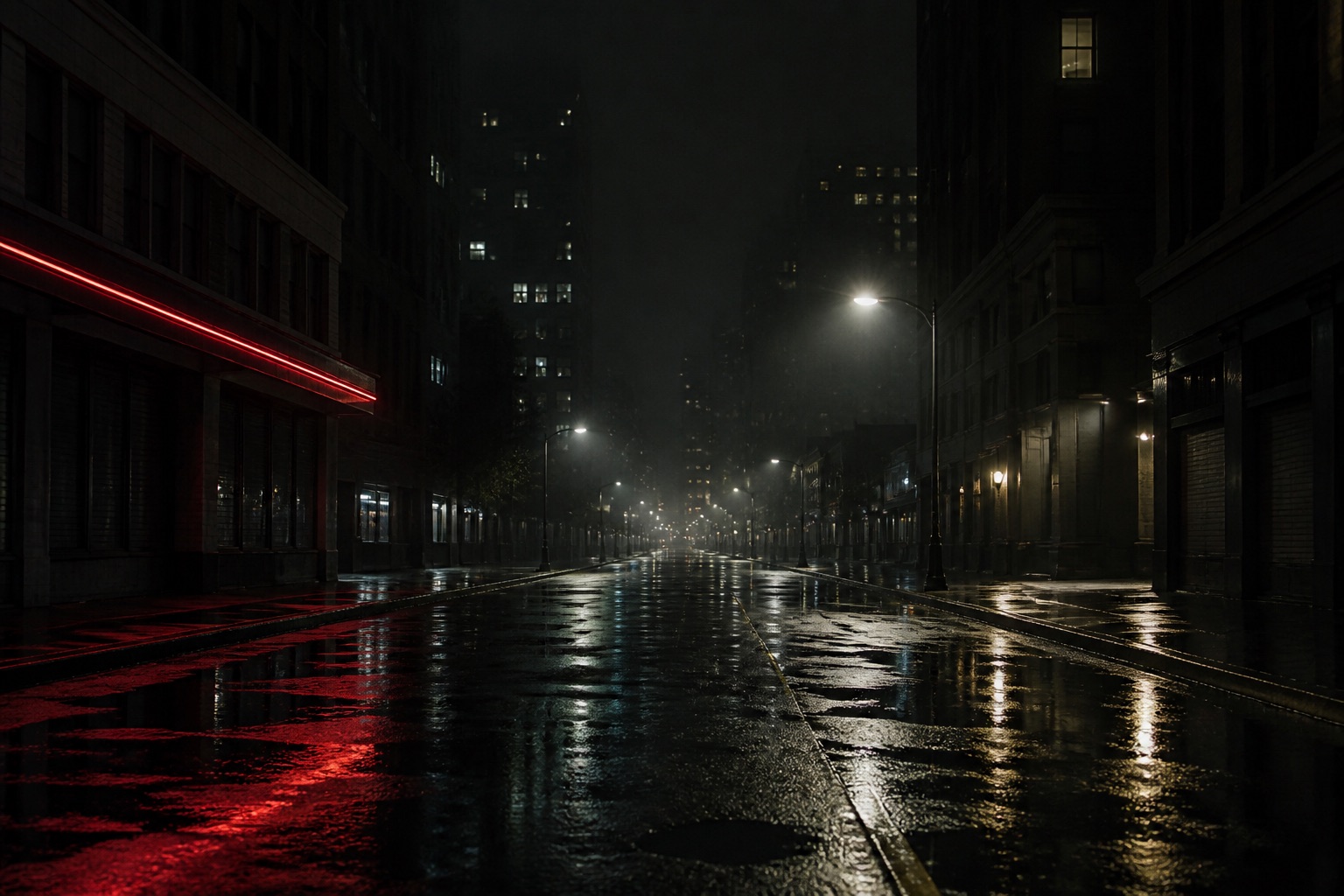
MiniMax H3 Max text to video turns one prompt into a 5 to 15 second clip with picture and stereo audio. Official ratios are 21:9, 16:9, 4:3, 1:1, 3:4, and 9:16. On this studio every second costs 5 credits.
What text to video means on MiniMax H3 Max
MiniMax H3 Max text to video is the empty-frame mode. You do not upload a still. You do not attach a reference pile. You write a prompt, pick duration, resolution, expansion, aspect, and an optional seed, and fal generates both picture and stereo audio. If you already have a composition you must keep, switch to image to video. If you have extra files the model should imitate, switch to reference to video.
Text to video is the right first job for most people. It is also the mode that fails in the most boring way: a prompt that names a vibe and no camera. “Cinematic luxury ad” is not a shot. “Macro of a glass bottle on wet slate, spotlight swings, one glass tap then a hiss” is a shot.
Official T2V fields on this studio
The studio sends the official fal fields we expose, not a private dialect.
- Prompt, required.
- Duration, 5 to 15 seconds.
- Resolution, 480P or 768P.
- Prompt expansion, balanced or quality.
- Aspect ratio, one of 21:9, 16:9, 4:3, 1:1, 3:4, 9:16.
- Seed, optional.
- Safety checker, on by default.
Adaptive aspect is not a text-to-video option. If you select it in another mode and then switch back to Text, the studio falls back to 16:9. Image-to-video hides the ratio control entirely because the still owns the frame.
There is no negative-prompt box. Describe what you want, including silence if the room should be quiet. “No crowd” is weaker than “empty wet street, one distant bell.”
Aspect ratios and when to use each
16:9 is the default for YouTube, landscape landing pages, and most product spots. 21:9 is a wider theatrical frame; use it when the subject can breathe horizontally and you are not posting to a vertical app. 4:3 is useful when you want a slightly older still-camera feel. 1:1 is a square insert. 3:4 and 9:16 are the portrait pair for stories and shorts.
Pick the ratio before you write the camera move. A crane-down across a beach dies in 9:16. A close-up face with a spoken line often looks better in 9:16 or 3:4 than in 21:9. The model will try to fill whatever frame you asked for. It will not letterbox a 16:9 idea into a 9:16 job.
Duration is a writing problem
Five seconds is one action. Ten seconds is two beats if you mark them. Fifteen seconds is three. MiniMax H3 Max text to video does not “find” a three-act structure inside a vague paragraph. If you buy 15 seconds and describe one bottle turn, you will get a slow bottle turn.
Write time into the prompt when you leave 5 seconds:
0–5s: wide crane down to a vintage coupe on a dusk beach. 5–10s: the driver checks the mirror. 10–15s: the car pulls away along the wet sand. Sound: surf, a door latch, then a rising engine.
That prompt is a 15-second take. Do not paste it into a 5-second job and expect the car to leave.
How to write the T2V prompt
Four parts in one box: subject, camera, light, sound. Spoken lines go in quotes.
Subject: who or what moves, and what changes. Camera: dolly, track, pan, crane, handheld, or a locked tripod. Light: practicals, neon, overcast, a swinging spotlight. Sound: foley, room, music, dialogue.
A usable product-spot prompt looks like this:
Macro shot of a glass perfume bottle on wet black slate. A warm spotlight swings across the label and catches a gold mist. Sound: a single glass tap, then a short aerosol hiss and a low studio bed.
A usable dialogue prompt looks like this:
Cinematic close-up of a detective under a fogged street lamp. He says, "The ledger was in the coat the whole time." Sound: slow footsteps on wet stone and one distant bell.
Copy either into the studio, generate 5 seconds at 768P, unmute, and decide whether the camera or the line needs work. That loop is the whole craft.

Duration is the only T2V bill. Five credits per second, 480P or 768P.
Credits for text to video
Plain T2V has no image surcharge. You pay duration only. 5 seconds = 25 credits. 10 seconds = 50. 15 seconds = 75. Resolution does not change the studio rate. Expansion mode does not change the studio rate. A seed does not change the studio rate.
Failed jobs refund the reservation. If you iterate six 5-second drafts, budget 150 credits plus the ones you keep.
Expansion, seed, and safety
Balanced expansion is the default. Quality spends more rewriting on the prompt before the model sees it. Use Quality when your wording is close and you want the stack to flesh it out. Stay on Balanced when you are still hunting for the camera.
A fixed seed helps you compare one wording change. It does not lock a character across days. If you need a face to hold, use image to video with a first frame.
The safety checker stays on unless you turn it off under More options. Prompts also pass Waffo Prompt Sift before we call fal. Adult, graphic, or child-unsafe requests are blocked. We do not refund a policy block the same way we refund a platform error; read the Acceptable Use Policy.
A practical T2V sequence
- Write subject, camera, light, and sound. Keep it to one shot.
- Run 5 seconds, 768P, 16:9, Balanced.
- Unmute. If the sound is empty, fix the last sentence of the prompt before you touch the camera.
- If the camera is wandering, name a locked tripod or a single axis.
- Only then step to 10 or 15 seconds, or change aspect.
That sequence costs less than starting on a 15-second 9:16 “cinematic masterpiece” prompt.
When T2V is the wrong mode
If the label on a bottle must match a real SKU, use image to video. If you have a 4-second product turn you want the motion to echo, use reference to video. If you only have a voiceover file and nothing else, you cannot use reference to video — audio cannot be the only reference — and T2V will not lip-sync to that file. Write the line into the prompt instead.
FAQ
What aspect ratios work on MiniMax H3 Max text to video?
21:9, 16:9, 4:3, 1:1, 3:4, and 9:16. Adaptive is reserved for reference to video.
Can T2V include dialogue?
Yes. Write the line in quotes and describe the room and score in the same prompt.
Should I start at 5 seconds or 15?
Start at 5 seconds to test camera and sound, then spend a longer take once the prompt works.
Does 768P cost more than 480P for text to video?
Not on this studio. Both resolutions are 5 credits per second.